How to Extract Tax from a Tax-Inclusive Price
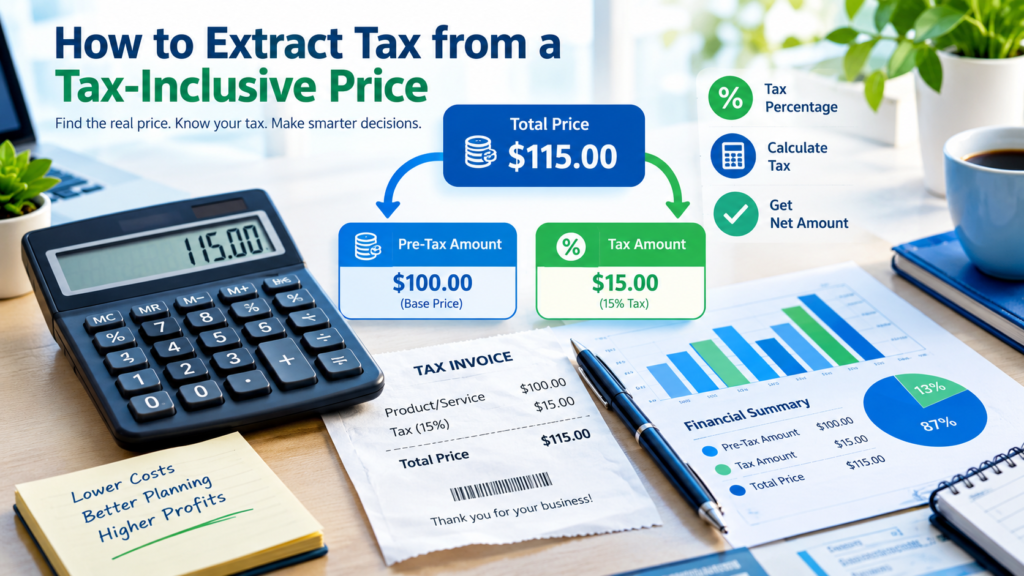
If a price already includes tax, you cannot simply multiply the total by the tax rate to find the tax amount. Instead, you must work backward using a tax-inclusive formula. For example, if an item costs $115 including a 15% tax, the actual tax is $15, not $17.25. Understanding this calculation helps businesses issue accurate invoices, consumers verify receipts, and accountants maintain correct financial records.
Whether you’re dealing with sales tax, VAT (Value Added Tax), GST (Goods and Services Tax), or another consumption tax, the basic principle remains the same: separate the tax portion from the total tax-inclusive amount.
Understanding Tax-Inclusive Pricing
A tax-inclusive price is the final amount paid by the customer after tax has already been added.
For example:
- Product Price: $100
- Tax Rate: 15%
- Tax Amount: $15
- Final Price: $115
In many countries, businesses display tax-inclusive prices so customers know exactly how much they will pay at checkout.
When you only know the final price and need to determine the original amount and tax portion, you need a reverse tax calculation.
The Formula for Extracting Tax
To calculate tax from a tax-inclusive amount:
Tax Amount = Tax-Inclusive Price × Tax Rate ÷ (100 + Tax Rate)
Alternatively:
Tax Amount = Total Price − Pre-Tax Price
Where:
Pre-Tax Price = Tax-Inclusive Price ÷ (1 + Tax Rate)
Example
Suppose:
- Tax-Inclusive Price = $120
- Tax Rate = 20%
Pre-tax price:
$120 ÷ 1.20 = $100
Tax amount:
$120 − $100 = $20
You can also calculate directly:
$120 × 20 ÷ 120 = $20
The result is the same.
Step-by-Step Method
Step 1: Identify the Total Price
Find the amount that already includes tax.
Example:
Total Price = $230
Step 2: Determine the Tax Rate
Assume the applicable tax rate is 15%.
Step 3: Calculate the Pre-Tax Amount
Use:
Pre-Tax Price = Total Price ÷ (1 + Tax Rate)
Convert the tax rate to decimal:
15% = 0.15
Calculation:
$230 ÷ 1.15 = $200
Step 4: Calculate the Tax Portion
Tax Amount = Total Price − Pre-Tax Price
$230 − $200 = $30
Final Result
| Description | Amount |
|---|---|
| Total Price | $230 |
| Pre-Tax Price | $200 |
| Tax Amount | $30 |
Quick Reference Table
The table below shows how much tax is included in a $100 tax-inclusive price at different tax rates.
| Tax Rate | Pre-Tax Amount | Tax Included |
|---|---|---|
| 5% | $95.24 | $4.76 |
| 10% | $90.91 | $9.09 |
| 15% | $86.96 | $13.04 |
| 18% | $84.75 | $15.25 |
| 20% | $83.33 | $16.67 |
| 25% | $80.00 | $20.00 |
Notice that the tax amount is always less than simply applying the percentage directly to the total price because the tax is already built into the final amount.
Why Many People Calculate It Incorrectly
A common mistake is multiplying the tax-inclusive total directly by the tax rate.
Let’s look at an example:
- Total Price: $115
- Tax Rate: 15%
Incorrect calculation:
$115 × 15% = $17.25
Correct calculation:
$115 × 15 ÷ 115 = $15
The incorrect method overstates the tax because the percentage should only apply to the pre-tax amount, not the already taxed total.
Extracting VAT from a Price
VAT follows the same principle.
Suppose a product costs €240 including 20% VAT.
Method 1: Find the Net Price
Net Price = €240 ÷ 1.20
Net Price = €200
VAT = €240 − €200
VAT = €40
Method 2: Direct VAT Extraction
VAT = €240 × 20 ÷ 120
VAT = €40
Both methods produce the same result.
Extracting GST from a Price
GST calculations are nearly identical.
Assume:
- GST-Inclusive Price = AU$220
- GST Rate = 10%
Calculate GST:
GST = 220 × 10 ÷ 110
GST = AU$20
Calculate pre-tax price:
220 − 20 = AU$200
This approach is widely used in jurisdictions where GST is included in advertised prices.
Real-World Business Examples
Retail Store
A retailer sells a product for $57.50, including 15% sales tax.
Pre-tax value:
57.50 ÷ 1.15 = $50
Tax amount:
57.50 − 50 = $7.50
Freelance Service Invoice
A freelancer charges $1,180, including 18% tax.
Pre-tax revenue:
1,180 ÷ 1.18 = $1,000
Tax collected:
1,180 − 1,000 = $180
Restaurant Bill
A restaurant bill totals $92 including 15% tax.
Pre-tax value:
92 ÷ 1.15 = $80
Tax included:
92 − 80 = $12
These calculations help businesses separate revenue from taxes collected on behalf of tax authorities.
Using Online Tax Calculators
While manual calculations are useful, online tools can save time and reduce errors.
The tax calculation resources available on FINTOOL.BOND can help users quickly determine:
- Tax-inclusive amounts
- Tax-exclusive amounts
- VAT calculations
- GST calculations
- Reverse tax calculations
- Percentage breakdowns
Using online calculators is particularly helpful when processing multiple transactions or preparing invoices and accounting records.
You may also find related financial calculation tools useful:
These tools can simplify common financial calculations and improve accuracy.
Tax-Inclusive vs. Tax-Exclusive Pricing
Understanding the difference is essential.
| Tax-Inclusive Pricing | Tax-Exclusive Pricing |
|---|---|
| Tax already included in displayed price | Tax added at checkout |
| Easier for customers to understand final cost | Common in business-to-business transactions |
| Requires reverse calculation to extract tax | Tax amount calculated directly |
| Often used in VAT and GST systems | Common in some sales-tax systems |
A business may use one approach or the other depending on local regulations and industry practices.
Common Mistakes to Avoid
Using the Wrong Tax Rate
Always verify the applicable rate for your location, product, or service.
Forgetting to Convert Percentages
For formulas requiring decimals:
- 5% = 0.05
- 10% = 0.10
- 15% = 0.15
Calculating Tax Directly from the Total
Tax-inclusive totals require a reverse calculation.
Rounding Too Early
When handling invoices or accounting records, round only after completing the calculation to avoid cumulative errors.
Mixing Tax Systems
VAT, GST, and sales tax systems may have unique requirements. Always follow local tax regulations.
Simple Reverse Tax Formula Cheat Sheet
To Find Pre-Tax Price
Pre-Tax Price = Total Price ÷ (1 + Tax Rate)
To Find Tax Amount
Tax Amount = Total Price − Pre-Tax Price
Direct Tax Extraction Formula
Tax Amount = Total Price × Tax Rate ÷ (100 + Tax Rate)
Example
Total Price = $345
Tax Rate = 15%
Tax:
345 × 15 ÷ 115 = $45
Pre-Tax Price:
345 − 45 = $300
When Reverse Tax Calculations Are Useful
You may need to extract tax from a tax-inclusive amount when:
- Reviewing receipts
- Auditing business transactions
- Preparing bookkeeping records
- Filing tax returns
- Creating tax-compliant invoices
- Verifying supplier charges
- Comparing prices across regions
- Calculating net revenue
The ability to separate tax from total prices is a valuable financial skill for business owners, freelancers, accountants, and everyday consumers.
FAQs
Can I calculate tax from a tax-inclusive amount without knowing the tax rate?
No. The tax rate is required to separate the tax portion from the total amount accurately.
Is VAT extraction different from sales tax extraction?
The calculation method is generally the same. The main difference lies in how the tax is administered and reported.
Why isn’t the tax simply the total multiplied by the tax percentage?
Because the total already includes tax. You must first remove the tax component before identifying the tax amount.
What happens if multiple taxes apply?
If multiple tax rates are combined into one total, calculate using the combined effective rate. If taxes are applied separately, each component may need its own calculation.
Can businesses use reverse tax calculations for accounting?
Yes. Businesses frequently use reverse tax calculations to determine taxable revenue and the amount owed to tax authorities.
Final Thoughts
Extracting tax from a tax-inclusive price is straightforward once you understand the reverse calculation process. Instead of applying the tax rate directly to the total amount, divide the total by the tax factor to determine the pre-tax value and then subtract it from the final price.
Whether you’re checking a receipt, preparing financial reports, or issuing invoices, knowing how to separate tax from a tax-inclusive amount helps ensure accuracy. For faster calculations and financial planning, you can use the calculators and tools available on FINTOOL.BOND to quickly determine tax amounts, net prices, percentages, and other essential financial figures.