How to Add GST or Sales Tax to a Price
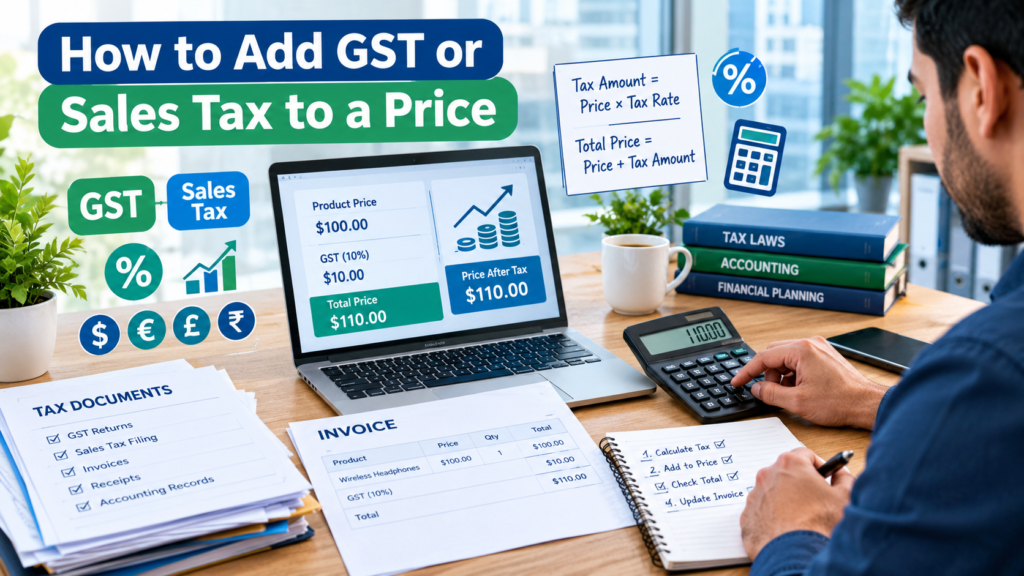
If you need to add GST or sales tax to a price, multiply the original price by the tax rate and add the result to the original amount. A simple formula is:
Final Price = Original Price × (1 + Tax Rate)
For example, if a product costs $100 and the GST rate is 10%, the final price becomes $110. Understanding this calculation helps business owners, freelancers, retailers, and consumers quickly determine the total amount payable and avoid pricing mistakes.
Whether you’re creating invoices, setting product prices, or checking whether a tax amount is correct, this guide explains exactly how to add GST or sales tax to a price with formulas, examples, and common mistakes to avoid.
Understanding GST and Sales Tax
GST (Goods and Services Tax) and sales tax are consumption taxes added to the price of goods or services.
While the name and rules vary by country or region, the basic concept remains the same:
- The seller calculates tax based on a percentage of the selling price.
- The tax amount is added to the original price.
- The customer pays the total amount, including tax.
Examples include:
- GST in Australia, New Zealand, India, and several other countries.
- Sales tax in many U.S. states.
- VAT (Value Added Tax) in many European countries.
The calculation method for adding tax is generally the same regardless of the tax system.
Formula for Adding GST or Sales Tax
The easiest formula is:
Final Price = Original Price × (1 + Tax Rate)
Where:
- Original Price = Price before tax
- Tax Rate = Tax percentage expressed as a decimal
Tax Rate Conversion
| Percentage | Decimal |
|---|---|
| 5% | 0.05 |
| 8% | 0.08 |
| 10% | 0.10 |
| 15% | 0.15 |
| 18% | 0.18 |
| 20% | 0.20 |
Example
A product costs $200 before tax.
Tax rate = 15%
Calculation:
- Tax amount = $200 × 0.15 = $30
- Final price = $200 + $30 = $230
Or use the shortcut:
$200 × 1.15 = $230
Both methods give the same answer.
Step-by-Step Guide to Add GST or Sales Tax
Step 1: Identify the Original Price
Start with the price before tax.
Example:
Original price = $75
Step 2: Determine the Tax Rate
Assume GST or sales tax is 10%.
Convert it to decimal:
10% = 0.10
Step 3: Calculate the Tax Amount
Tax Amount = Original Price × Tax Rate
$75 × 0.10 = $7.50
Step 4: Add Tax to the Original Price
Final Price = Original Price + Tax Amount
$75 + $7.50 = $82.50
The customer pays $82.50.
Quick Pricing Examples
Example 1: 5% Sales Tax
| Item Price | Tax Amount | Final Price |
|---|---|---|
| $50 | $2.50 | $52.50 |
Example 2: 8% Sales Tax
| Item Price | Tax Amount | Final Price |
|---|---|---|
| $120 | $9.60 | $129.60 |
Example 3: 10% GST
| Item Price | Tax Amount | Final Price |
|---|---|---|
| $500 | $50 | $550 |
Example 4: 18% GST
| Item Price | Tax Amount | Final Price |
|---|---|---|
| $1,000 | $180 | $1,180 |
How to Add GST Using a Calculator
Most calculators can compute GST or sales tax within seconds.
Suppose:
- Price = $350
- GST = 10%
Enter:
350 × 1.10
Result:
$385
This method is often faster than calculating the tax amount separately.
For even quicker calculations, you can use online financial tools and calculators available on FinTool to handle common tax and pricing calculations accurately.
How Businesses Add GST to Product Prices
Businesses generally choose one of two pricing methods.
Tax-Exclusive Pricing
The displayed price does not include GST or sales tax.
Example:
- Product price: $100
- GST: 10%
- Amount payable: $110
Many wholesalers and B2B companies use this approach.
Tax-Inclusive Pricing
The displayed price already includes tax.
Example:
- Shelf price: $110
- Customer pays: $110
Many retail stores use tax-inclusive pricing because customers immediately know the final cost.
Knowing whether a price is tax-inclusive or tax-exclusive is essential before performing calculations.
Common GST and Sales Tax Rates
Tax rates vary depending on the jurisdiction.
Examples include:
| Tax Rate | Multiplier |
|---|---|
| 5% | 1.05 |
| 8% | 1.08 |
| 10% | 1.10 |
| 12% | 1.12 |
| 15% | 1.15 |
| 18% | 1.18 |
| 20% | 1.20 |
A multiplier lets you calculate the final price in a single step.
For example:
$250 × 1.20 = $300
Adding GST in Excel
Excel provides a quick way to calculate prices including tax.
Assume:
- Cell A1 contains the original price.
- GST rate is 10%.
Use:
=A1*(1+10%)
Or:
=A1*1.10
If A1 contains 500, the result will be 550.
This is especially useful when calculating tax for large product lists or invoices.
Adding GST to Multiple Products
Suppose you sell three products:
| Product | Price |
|---|---|
| Product A | $100 |
| Product B | $250 |
| Product C | $400 |
GST rate = 10%
Tax calculations:
| Product | Price | GST | Final Price |
|---|---|---|---|
| Product A | $100 | $10 | $110 |
| Product B | $250 | $25 | $275 |
| Product C | $400 | $40 | $440 |
Total:
- Original value: $750
- GST: $75
- Total payable: $825
This approach helps businesses produce accurate invoices and reports.
Common Mistakes When Adding GST or Sales Tax
Using the Wrong Tax Rate
Rates can differ by location, product type, or service category.
Always verify the applicable rate before calculating.
Forgetting to Convert Percentages
A common error is using:
10
instead of:
0.10
Always convert percentages into decimal form for calculations.
Confusing Tax-Inclusive and Tax-Exclusive Prices
If a price already includes GST, do not add GST again.
Double taxation mistakes can lead to incorrect invoices and customer disputes.
Rounding Too Early
When calculating multiple items, excessive rounding can create discrepancies.
Many businesses round only the final totals according to local tax regulations.
Ignoring Exempt Items
Some products or services may be exempt from tax or taxed at a reduced rate.
Check the applicable rules for your region before calculating totals.
How to Reverse the Calculation
Sometimes you know the final price and want to determine the original price before GST.
Formula:
Original Price = Final Price ÷ (1 + Tax Rate)
Example:
Final price = $110
GST rate = 10%
Calculation:
$110 ÷ 1.10 = $100
GST amount:
$110 − $100 = $10
This method is useful when reviewing receipts, invoices, or tax-inclusive pricing.
GST vs Sales Tax: Is the Formula Different?
For basic pricing calculations, the formula is usually identical.
Example:
- Original price: $200
- Tax rate: 8%
Calculation:
$200 × 1.08 = $216
Whether the tax is called GST, sales tax, or VAT, adding a percentage to a pre-tax price follows the same mathematical principle.
The primary differences are legal and administrative, not mathematical.
When Should You Add GST or Sales Tax?
You may need to add tax when:
- Creating invoices
- Setting product prices
- Running an online store
- Preparing business quotations
- Calculating customer payments
- Reviewing receipts
- Estimating project costs
Using a dedicated calculator can speed up these tasks and reduce manual errors. Financial tools available through FinTool can help simplify routine calculations for businesses and individuals.
Practical Checklist
Before issuing a final price, verify the following:
- Original price is correct
- Applicable GST or sales tax rate is confirmed
- Tax rate was converted properly to decimal format
- Price is tax-exclusive before adding tax
- Calculations were rounded correctly
- Total matches the invoice or receipt requirements
Following this checklist can help prevent costly pricing mistakes.
FAQs
How do I add 10% GST to a price?
Multiply the original price by 1.10. For example, a $100 item becomes $110.
What is the easiest way to calculate sales tax?
Multiply the price by the tax multiplier. For an 8% tax rate, multiply by 1.08.
How do I calculate the tax amount only?
Use:
Tax Amount = Original Price × Tax Rate
For a $200 item taxed at 10%, the tax amount is $20.
Can I calculate GST from a tax-inclusive price?
Yes. Divide the tax-inclusive price by 1 + Tax Rate to find the original price, then subtract it from the total to determine the GST amount.
Is GST the same as VAT?
Both are consumption taxes, but they operate under different legal systems depending on the country. The method for calculating the tax-inclusive selling price is generally similar.
Final Thoughts
Adding GST or sales tax to a price is straightforward once you know the formula. Multiply the original price by 1 plus the tax rate, or calculate the tax separately and add it to the base amount. Whether you’re a business owner, freelancer, retailer, or consumer, understanding this calculation helps ensure accurate pricing, invoices, and financial planning.
For faster calculations and other financial tools, explore the resources available at https://fintool.bond/ and use calculators that can automate common tax and pricing tasks.